The Loop Is the Product
Ralph loops, VS Code Autopilot, Chief, and Lisa all point at the same thing: the useful part is persistence, not the prompt.
Based on public sources. Any opinions here are my own and do not represent my employer.
I meant to write another blog article, but the tooling got in the way. In a good way.
The short version is this: one-shot prompting is already starting to feel a bit naive for real engineering work. The model matters, sure, but the persistence layer matters more.
Ralph loops are the interesting bit
This is the part I keep coming back to. While I love Ralph loops, pun intended if you get it, there is still no escaping the boring bit: you have to get the prompt right. A loop helps, but only if the ask, the constraints, and the stop condition are not a mess to begin with.
Not "ask once and hope". More like:
- Give the agent a job.
- Let it inspect state.
- Let it change something.
- Re-run.
- Persist what happened.
- Keep going until there is a real stop condition.
That is less autocomplete and more managed convergence. The loop is the product.
The pattern is already showing up
VS Code is putting this in the open now. The 1.111 release added Autopilot, agent-scoped hooks, and agent troubleshooting with debug event snapshots. The current Agent mode docs also call out browser elements from the integrated browser, which means the model can work with screenshots, HTML, and CSS instead of guessing from vibes.
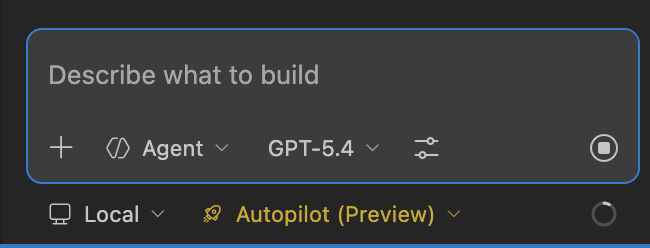
VS Code 1.111 makes the point pretty plainly: let the agent keep going, but do it with explicit permission levels. Source: VS Code 1.111 release notes.
Chief makes the same idea even more obvious. Its README says it breaks work into tasks, runs Claude Code in a Ralph Wiggum loop, and keeps progress persisted between runs so each iteration can start fresh without losing the thread. It also pushes one commit per task, which is exactly the kind of constraint you want once agents stop being one-shot toys.
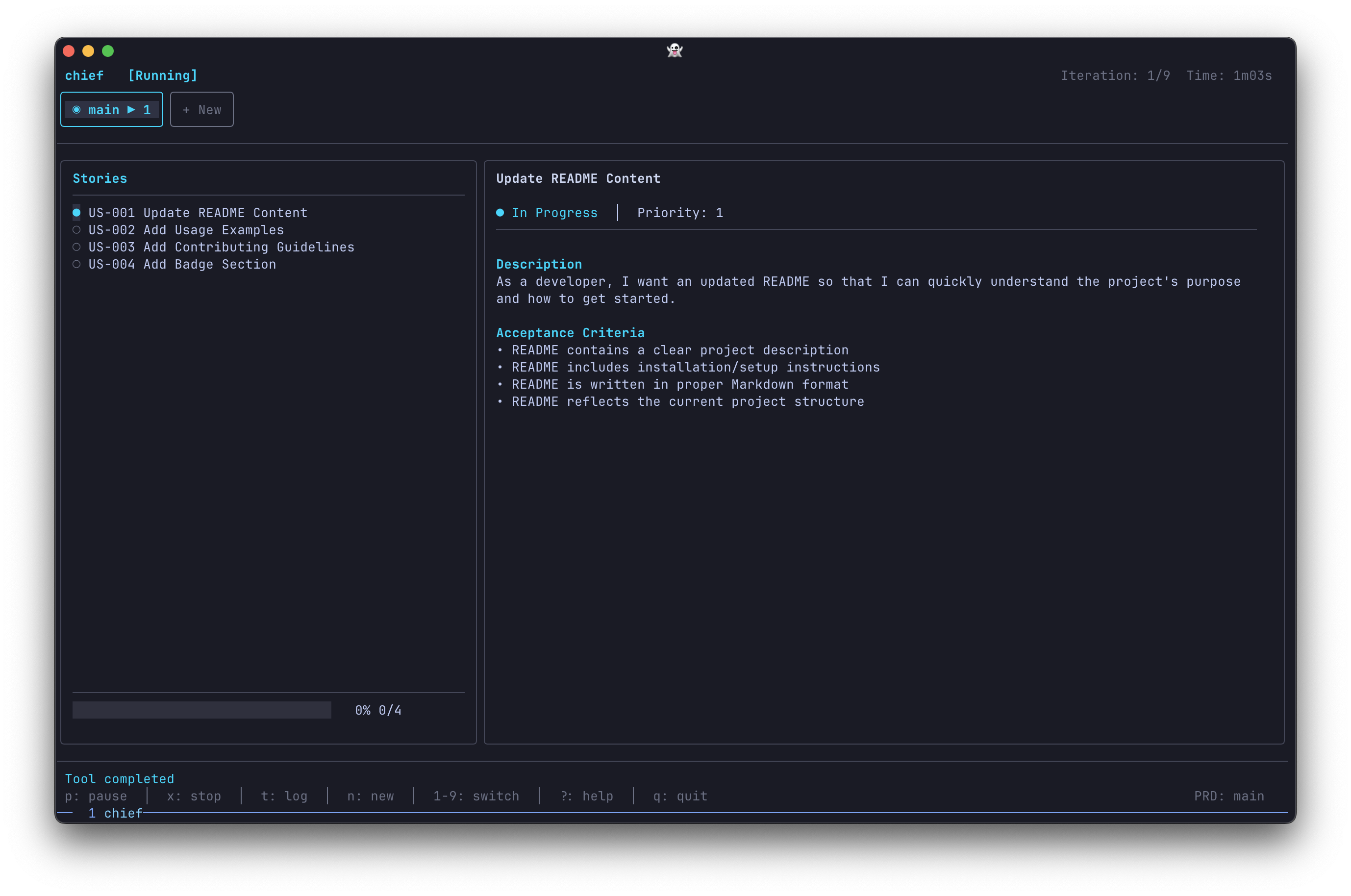
Chief turns the loop into a workflow: task list on the left, active job on the right, and progress moving forward instead of resetting every time. Source: MiniCodeMonkey/chief.
Lisa hits the same problem from the other side.
If Chief is the loop, Lisa is the memory. Its pitch is blunt enough that I like it immediately: auto-load, auto-store, auto-recall. Less repeating yourself. Less stuffing the context window with yesterday's decisions. More continuity.
Lisa is basically the persistence layer made explicit: remember the project, remember the decisions, stop making me restate the same thing. Source: TonyCasey/lisa.
My read
The tools are learning to persist. That is the shift.
Browser-driven debugging. Autopilot. Debug snapshots. Task loops. Long-term memory. Agent hooks. They are all trying to solve the same stop-start problem.
Fresh context, persisted state, controlled autonomy. That feels more real to me: grit, iteration, try, try and try again. Not so far removed from human traits as once thought.
And yes, I still think an ultra-wide monitor might genuinely be the move here. One pane for the app, one for logs, one for diffs, one for the agent. Less pair programming. More mission control.
Ralph loops sound silly right up until they outperform your workflow.
Sources
Related entries
Why VS Code Insiders Feels Worth It Again
My take on recent VS Code Insiders and agent workflow updates, based on public sources, with a few reasons to keep Stable installed too.